B2C (= business to customer” is a web shop for the customer resp. for the end-consumer, which places a purchase online or requests a quote. When the customer gets to the web shop he finds a list of all possible items and the cart.
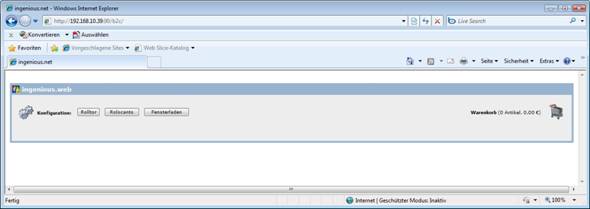
By clicking on the desired item the part list will open up.
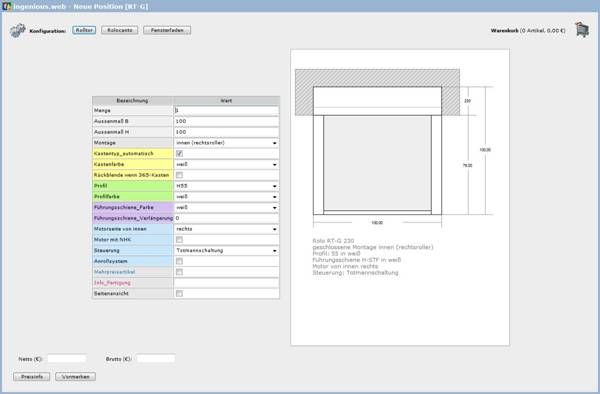
When the configuration is done the current net and gross price can be displayed by clicking “price info”.
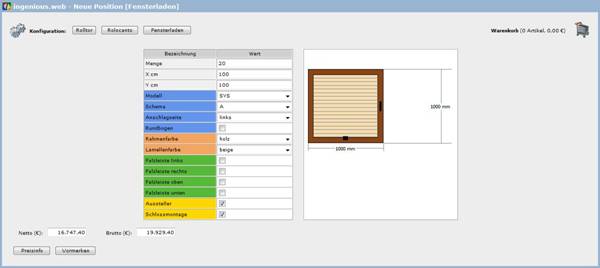
By clicking “reserve” the item is added to the cart and the cart list will open up.

With the help of the button  and
and  the item can be modified or deleted. To delete all items use the button “Reset”. When all desired items are in the cart you get to the last step of the purchase transaction by clicking “Input address”.
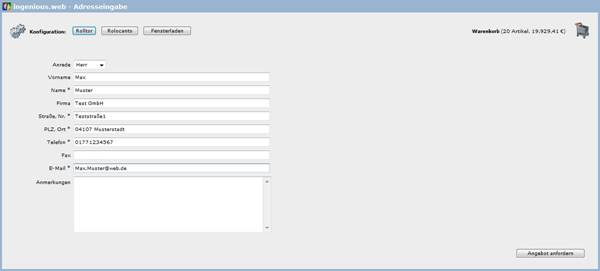
Here you have got the opportunity to make annotations for the purchase. When you click on the button “Request quote” the purchase will be send as an order to the ingenious.V12 database and can be modified resp. executed there.